Connect AI to Your Tools With ClearScribe MCP
Learn how ClearScribe MCP connects AI assistants to ClearScribe knowledge, meetings, notes, creation tools, and external services through a growing connected-tools ecosystem.
ClearScribe MCP
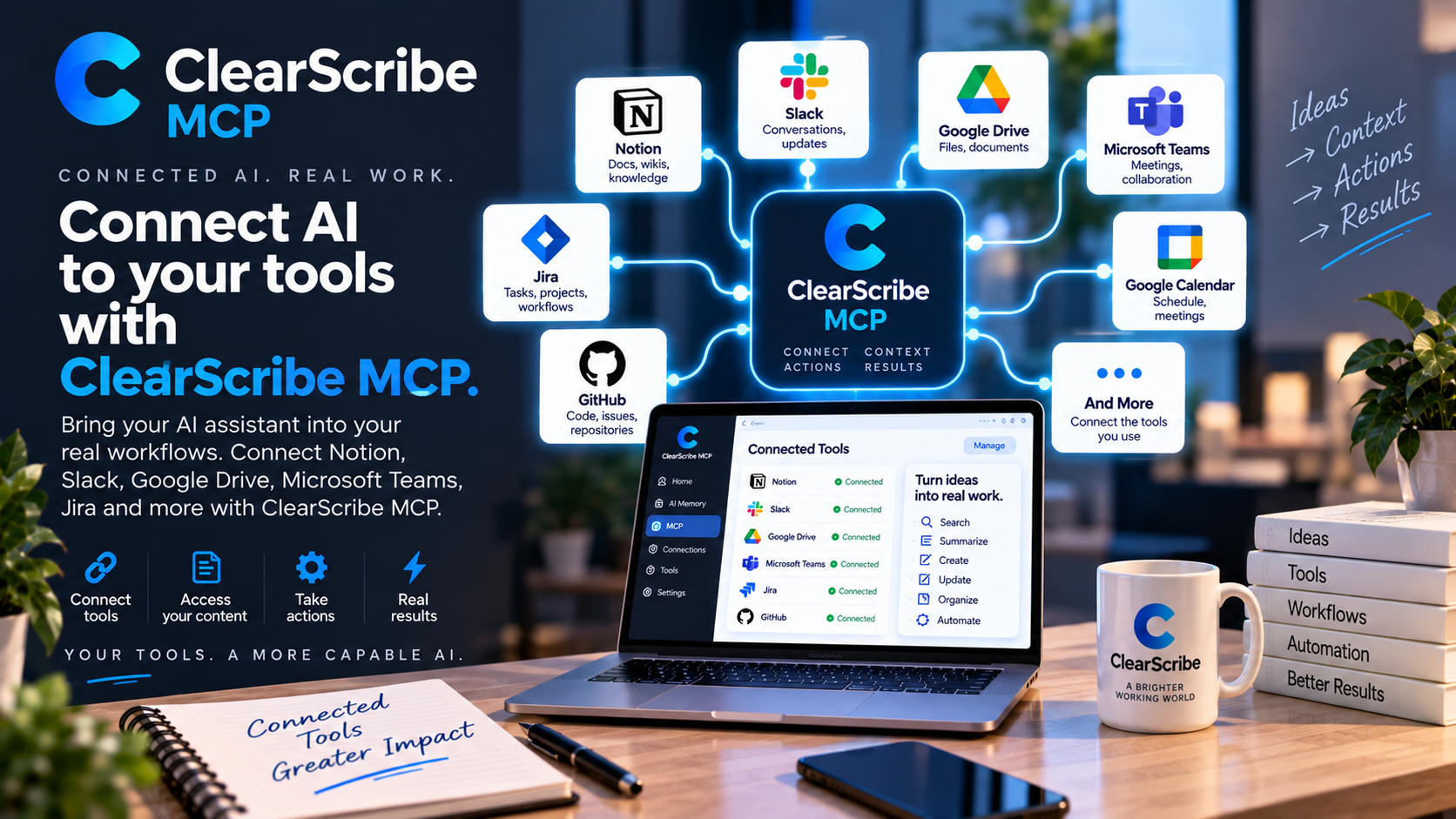
AI becomes much more useful when it can work with the tools and information you already use.
Without connections, an AI assistant can answer questions but often cannot see the project context, meeting history, documents, tasks, or external systems needed to complete real work.
ClearScribe MCP is designed to close that gap.
What MCP changes
MCP, or Model Context Protocol, gives compatible AI assistants a structured way to discover and use tools.
Instead of building a separate custom integration for every assistant and every workflow, an MCP server can expose capabilities through a common protocol.
For ClearScribe, that means an AI assistant can work with supported ClearScribe data and tools through one professional integration layer.
Search your ClearScribe knowledge
One important use case is retrieval.
An AI assistant connected through ClearScribe MCP can search supported ClearScribe knowledge, notes, meeting information, outputs, action items, and other indexed information.
That makes the assistant more useful because its answers can be grounded in information the user has actually saved.
Work with meetings and outputs
ClearScribe MCP is not limited to simple note lookup.
The platform includes controlled tools for working with meeting transcripts, summaries, action items, outputs, and other structured information.
This makes it possible for an assistant to move beyond general conversation and work with the user's own ClearScribe workspace.
Create through the assistant
A connected AI assistant can also use supported creation tools.
That includes controlled capabilities for creating ClearScribe notes, outputs, and meeting-related content through MCP.
The important part is that creation remains explicit and structured rather than giving an external assistant unrestricted access.
Connect external tools
ClearScribe MCP is also designed around connected services.
The broader integration direction includes productivity, collaboration, project-management, document, and communication tools.
As those connections expand, a user can increasingly move information between ClearScribe and the tools where work already happens.
One connected AI workspace
The long-term value is not one isolated connector.
It is the ability to create a connected layer between ClearScribe, AI assistants, and the user's broader software environment.
An assistant can retrieve information, reason over it, create supported outputs, and take approved actions through connected tools.
That turns MCP from a technical protocol into a practical workflow system.
Security and controlled access matter
Connecting AI to real tools requires more than convenience.
Authentication, permissions, explicit tool definitions, controlled writes, and clear separation between read and write operations are essential.
ClearScribe MCP is being built as professional infrastructure, not simply as an unrestricted automation bridge.
Part of the ClearScribe ecosystem
ClearScribe MCP is one of the five main ClearScribe products.
Its role is different from ClearScribe AI, ClearScribe Content Studio, ClearScribe Developer API, and ClearScribe Agent Center.
ClearScribe MCP focuses on connecting AI systems to tools, knowledge, and actions through the MCP standard.
Final thought
The next generation of AI assistants will be more useful when they can securely work with real information and real tools.
ClearScribe MCP is designed to provide that connection layer.
The result is an AI workspace that can understand more context, reach more tools, and help users move from questions to useful action.