Turn One Idea Into Posts, Carousels and Reels With ClearScribe Content Studio
Learn how ClearScribe Content Studio helps turn one core idea into multiple content formats while keeping the message, creative direction, and brand more consistent.
ClearScribe Content Studio
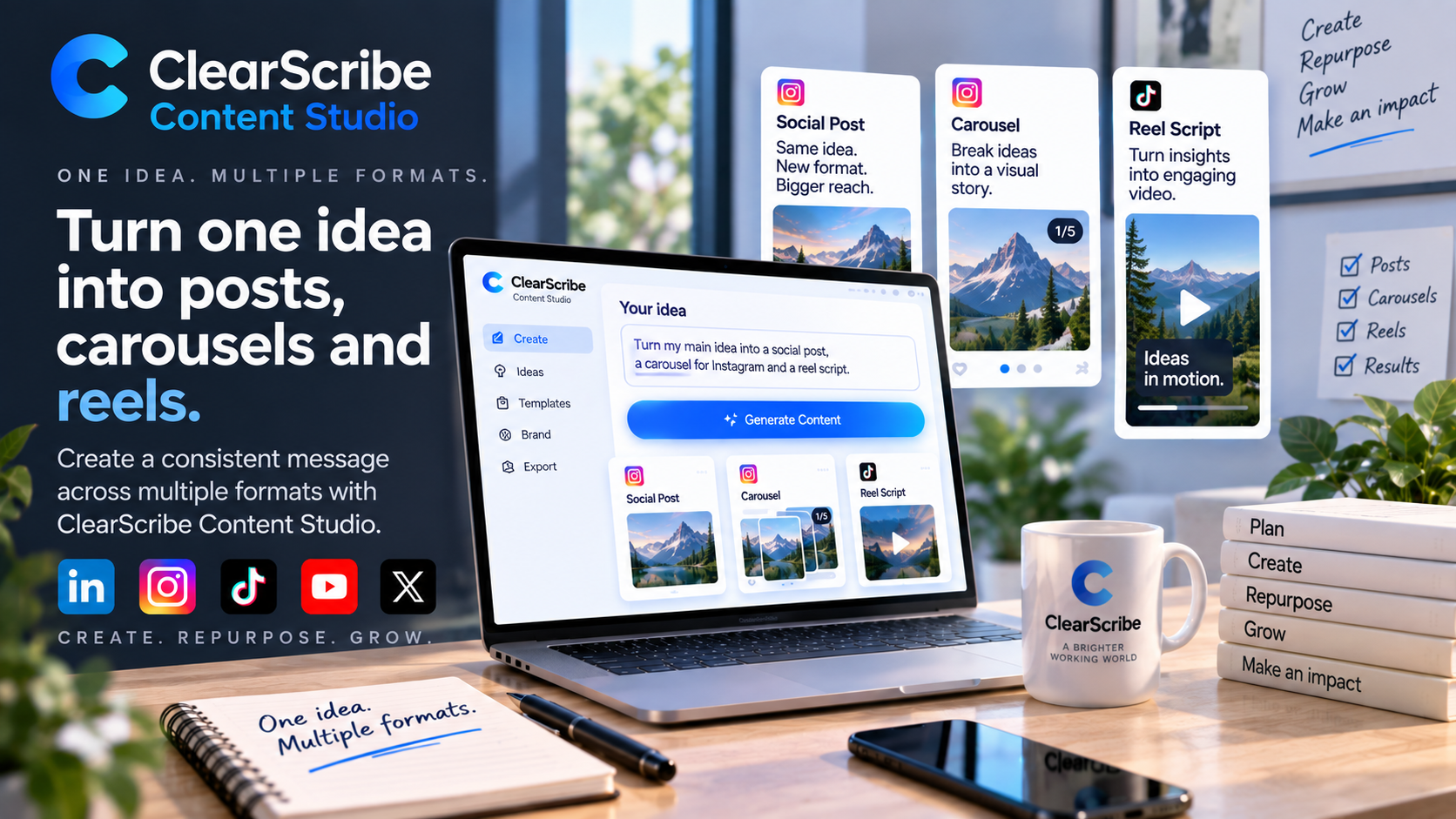
A strong content idea should not have to live in only one format.
A useful insight might begin as a short written concept, but that same idea can often become a social post, a visual carousel, an image-led piece of content, or a short-form video.
ClearScribe Content Studio is designed around that kind of reusable creative workflow.
Instead of starting from zero every time you need a different format, you can begin with one central idea and develop it into several pieces of content.
Start with the message, not the format
The most important part of content creation is usually not whether the final output is a carousel or a Reel.
It is the message.
What are you trying to explain? What should the audience understand? What action should they take? What tone fits the brand?
Starting with the core message makes it easier to adapt the same idea without losing its meaning.
ClearScribe Content Studio can then help move that idea into different creative formats.
Turn an idea into a social post
The simplest version may be a concise written post.
A longer concept can be reduced to its strongest point, rewritten for clarity, and shaped for the audience you want to reach.
This written version can also become the foundation for the other formats.
The headline may become the first carousel slide. The supporting points may become individual slides. The same structure can become the outline for a short video.
Turn the same idea into a carousel
Carousels are useful when one idea needs several steps, examples, comparisons, or supporting points.
Instead of presenting everything in one block of text, the information can be divided into a sequence that is easier to scan.
A practical carousel structure might include:
- a strong opening slide
- the problem or question
- several useful points
- an example or explanation
- a final takeaway or call to action
ClearScribe Content Studio's Carousel workflow is designed to make that transformation easier.
The goal is not simply to place text on slides. It is to turn information into a visual sequence that feels intentional.
Turn the idea into a Reel
Some ideas work better when they move.
A Reel can transform the same core message into a short-form video concept with a stronger visual rhythm.
The written idea can become a script or scene direction. Key points can become visual moments. The final message can become the closing frame.
ClearScribe Content Studio's Reel workflow provides a dedicated path for AI-assisted video creation rather than treating video as an afterthought.
This means the same campaign idea can move from static content into short-form video without rebuilding the strategy from scratch.
Use images to strengthen the story
Images can support both standalone posts and larger content formats.
An image may become the main visual for a post, part of a carousel, a creative reference, or an element used in a broader campaign.
AI-assisted image creation helps users explore visual directions without requiring every asset to begin with an external design process.
The important part is that the image supports the message rather than distracting from it.
Keep the formats connected
Repurposing does not mean copying exactly the same content everywhere.
Each format has its own strengths.
A written post can be direct. A carousel can explain. A Reel can create movement and attention. An image can communicate an idea immediately.
The value comes from adapting the same central message to the format instead of creating unrelated pieces that happen to discuss the same subject.
Build a reusable content system
The biggest advantage appears when this becomes a repeatable workflow.
Instead of asking, 'What should we create today?' every time, a creator or business can work from a content system:
- Start with one useful idea.
- Define the main message.
- Create the written version.
- Expand the idea into a carousel.
- Adapt it into a Reel when video makes sense.
- Create supporting visuals.
- Save the useful structures for future content.
This approach reduces repeated work while still allowing each final asset to feel appropriate for its format.
ClearScribe Content Studio as its own product
ClearScribe Content Studio is one of the five main ClearScribe products.
Its role is focused specifically on content creation.
ClearScribe AI works with meetings, recordings, notes, transcripts, and knowledge. ClearScribe MCP connects AI to tools. ClearScribe Developer API provides programmable capabilities. ClearScribe Agent Center focuses on agent-driven workflows.
ClearScribe Content Studio focuses on helping users turn ideas into stronger creative outputs.
Final thought
One useful idea can have much more value than one post.
With the right workflow, it can become written content, a carousel, a visual asset, and a short-form video while keeping the same strategic message.
ClearScribe Content Studio is designed to make that process more connected, reusable, and efficient.